Select Category
Open the service group that matches your goal.
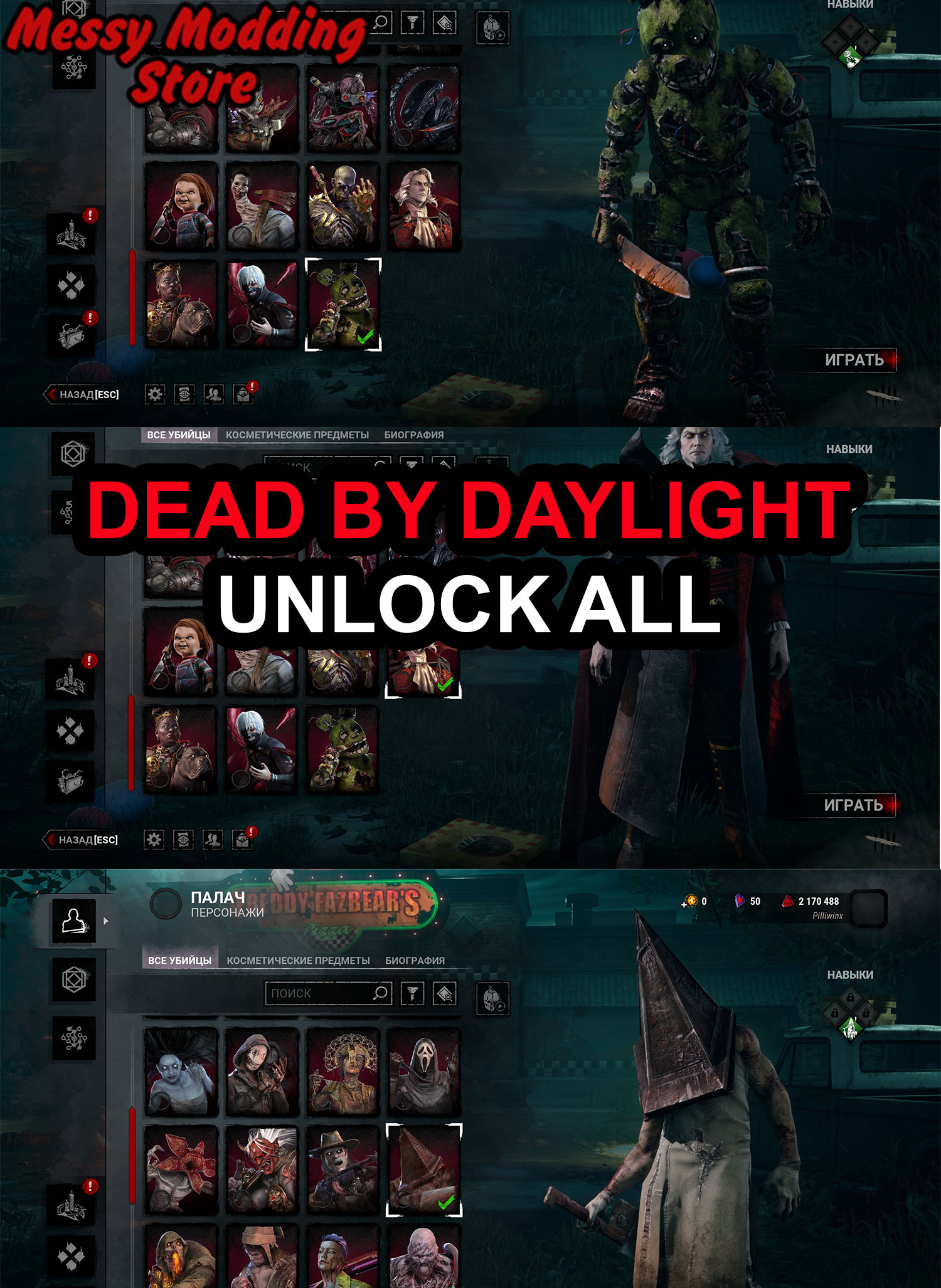
Skip the Bloodpoint grind and speed up Prestige on survivors and killers. Our Dead by Daylight hub lists bloodpoints boosts and level & prestige packages for Steam, Epic Games Store, and Microsoft Store — transparent pricing, secure checkout, and support when you need it.
Follow these steps for fast onboarding, clean delivery, and clear support.
Open the service group that matches your goal.
Choose the listing with the right platform and result target.
Place the order and provide requested details for delivery.
Get updates from support until your order is completed.
Send your target rank, unlocks, or progression goal and we'll point you to the fastest and most suitable listing for this hub.
Dead by Daylight is an asymmetric horror game where survivors repair generators and killers hunt them across iconic maps. Bloodpoints are the main currency for unlocking perks, items, and cosmetics; Prestige levels show commitment on a character and unlock rewards across the roster. For official patch notes and chapters, see the Dead by Daylight site.
Earning Bloodpoints in matches takes time, especially when you are splitting time across multiple survivors and killers. Buying a Dead by Daylight Bloodpoints package lets you stock up faster so you can unlock teachable perks, add-ons, and offerings without burning weekends on pure grind.
If your goal is to push characters toward higher Prestige or to unlock large chunks of progression in one go, browse our Level & Prestige listings. Each product page lists platforms supported (Steam, Epic Games, Microsoft Store) and the options you need at checkout.
Choose the category that matches your goal, pick the package that fits your platform, and complete checkout with the details requested on the product form. If you are unsure which listing fits your account, use contact and we will point you to the right service.